
Last updated October 16, 2026
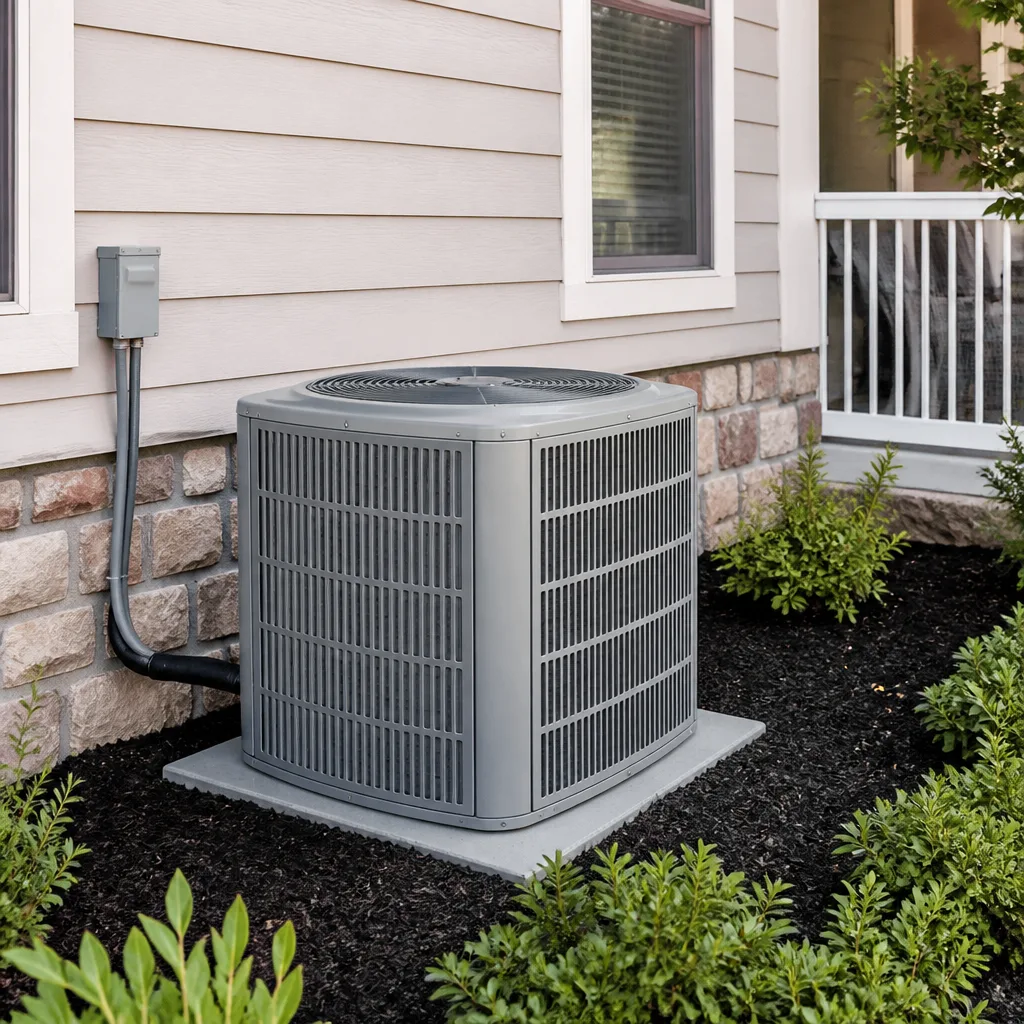 AC repair
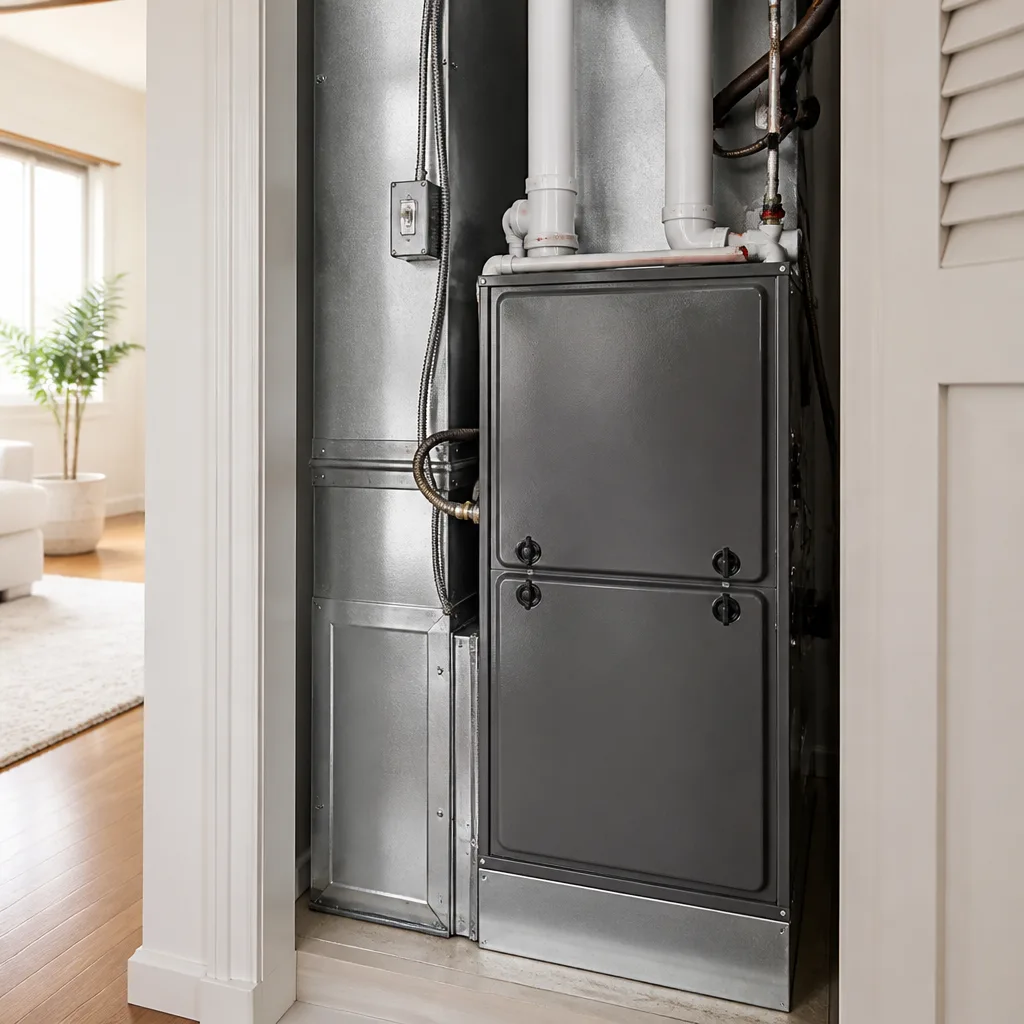 Furnace & heating
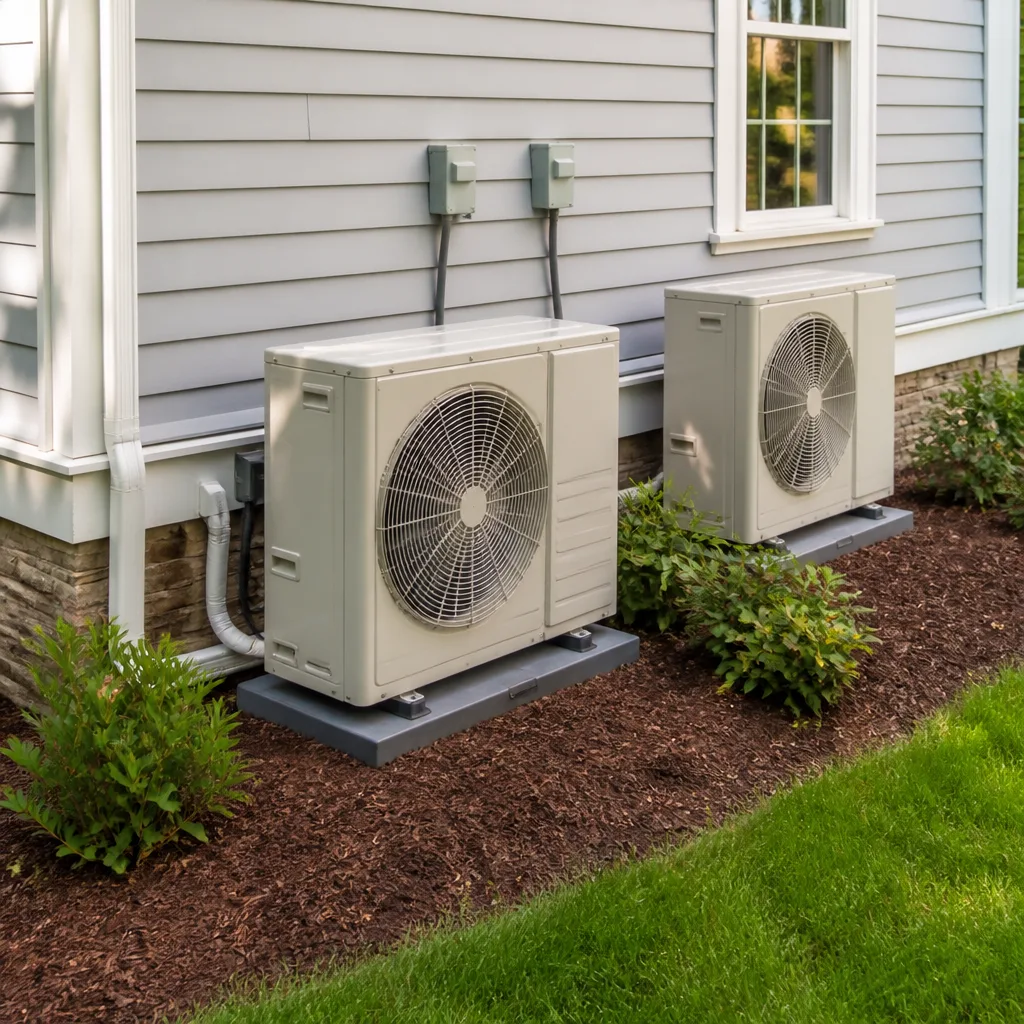 Heat pumps
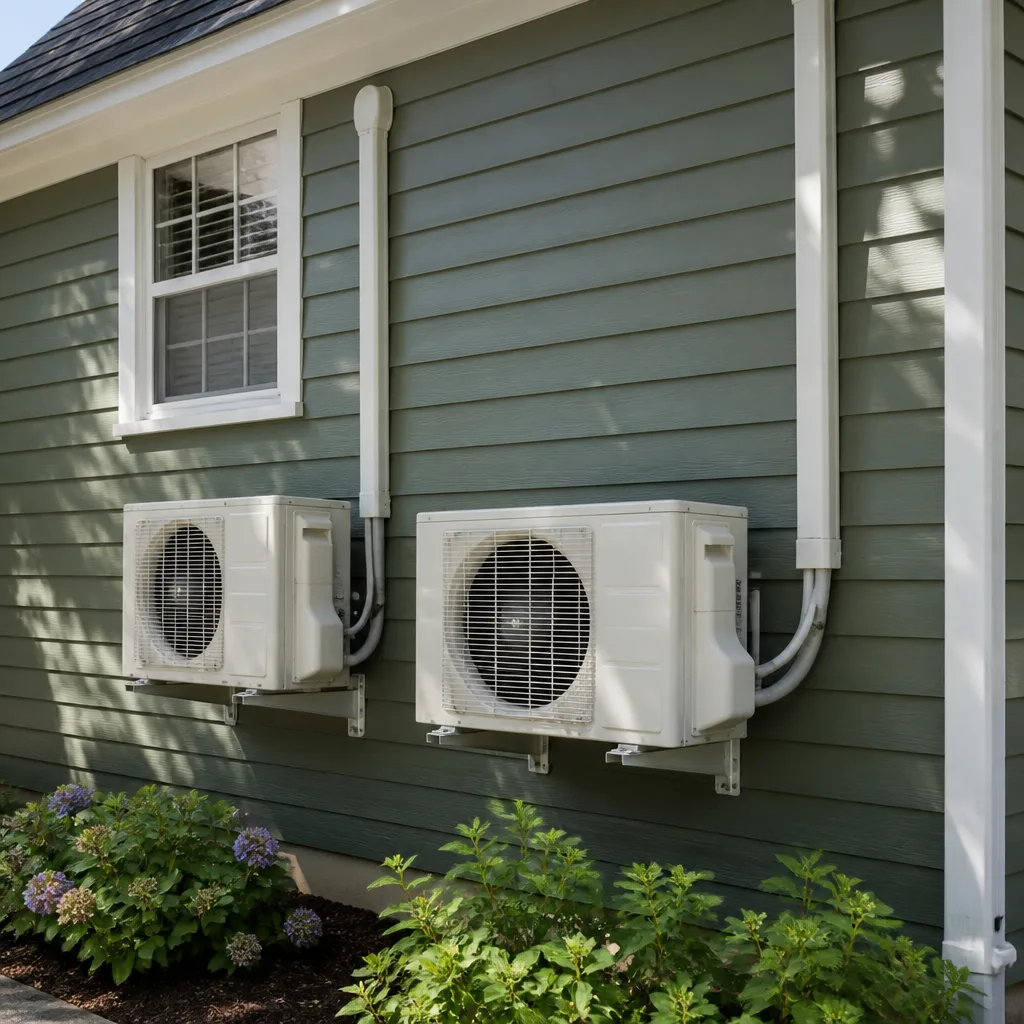 Ductless mini splits
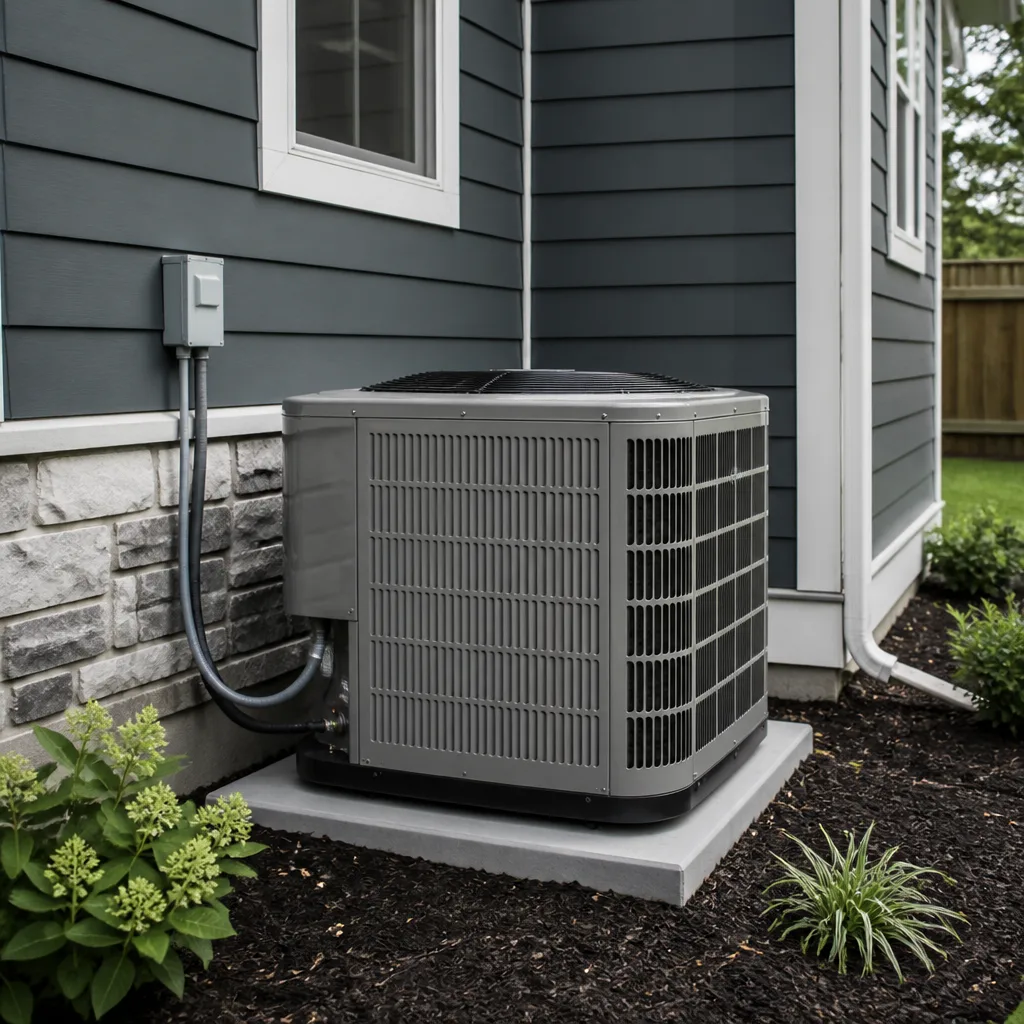 Carrier
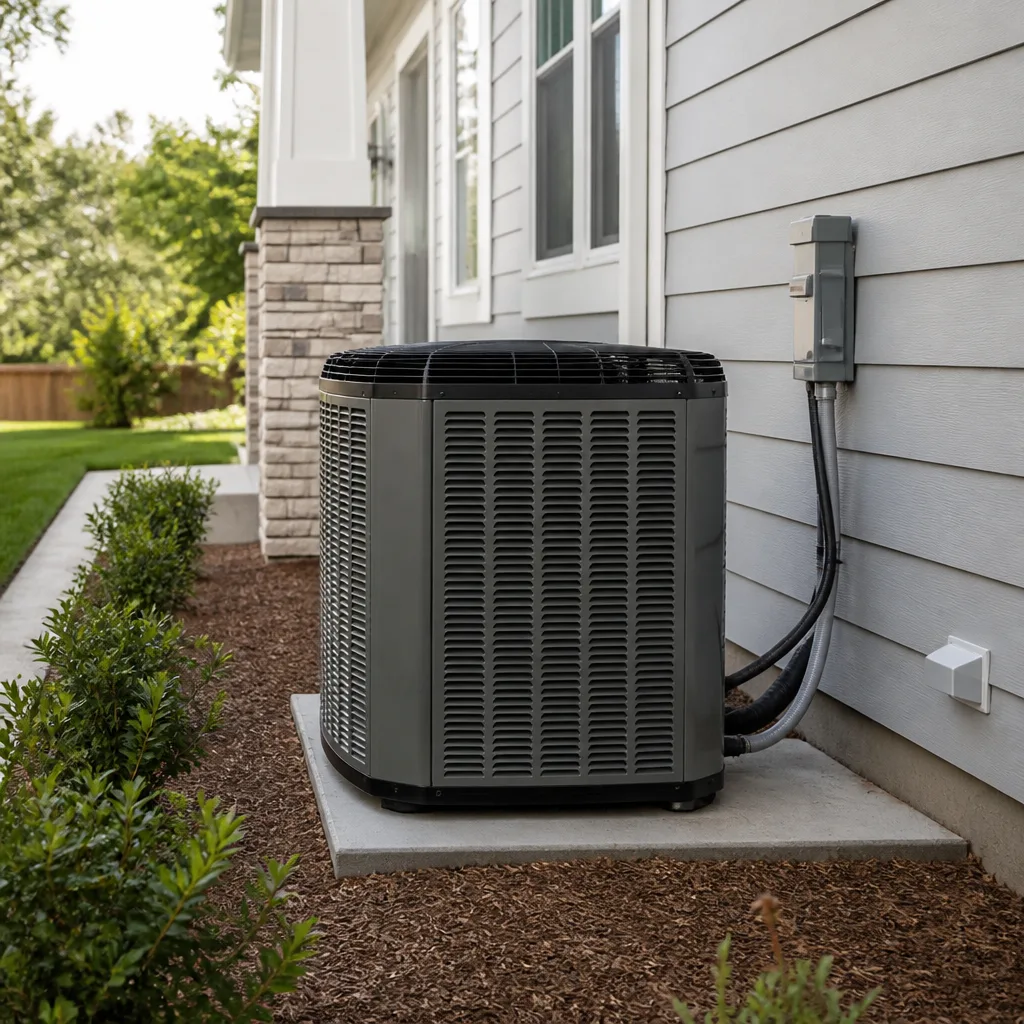 Trane
TraneSeasonal tune-up and full diagnostic on your Carrier, Trane, or Goodman system - readings shown to you before any repair is proposed
Diagnosis first, numbers second - you approve the repair price before a single part goes in.
Get your free estimateHVAC Warning Signs: A Dallas Homeowner’s Reference Guide
A capacitor that’s failing will often run the motor at reduced torque for weeks before it gives out entirely. The sign is a system that takes longer than normal to start cooling. In Dallas, most homeowners attribute that lag to summer heat load and wait until the motor burns out, turning a $180 part into a $900 repair. This guide pairs every warning sign your HVAC system produces with a plain-language explanation of what’s actually happening and a straight answer to the question you’re really asking: can this wait, or do I call today? For the complete guide to HVAC in Dallas, see our deeper resource.
Styles & brands we work with
Quick Answer
The most common HVAC warning signs in Dallas are a system that runs constantly without reaching the set temperature, a utility bill that jumps 20% or more over the same month last year with no change in usage, a musty or acrid smell from the vents, a grinding or screeching noise from the outside unit, and uneven cooling between rooms. If your system shows any two of these signs at once, or any single sign involving a burning smell, a refrigerant leak, or a compressor noise, schedule a service call. Waiting turns a small repair into a full system replacement far more often than Dallas homeowners realize.
Table of Contents
- What You Hear: Sounds That Mean Something
- What You Smell: Odors and What They Indicate
- What You See: Moisture, Frost, and Visual Clues
- What You Feel: Airflow, Temperature, and Humidity
- What Your Utility Bill Tells You
- What You Can Fix Yourself vs. What Needs a Technician
- Dallas-Specific Warning Signs: Humidity, Storms, and Heat
- Common Mistakes to Avoid
- When to Call a Professional
- Frequently Asked Questions
- The Bottom Line
What You Hear: Sounds That Mean Something
Your HVAC system is never silent, but it should sound like a machine doing its job: a low hum, the whoosh of air through registers, the click of a relay. When the sound changes character, the machine is telling you something. Here are the sounds we hear most often on service calls across Dallas, and what each one means.
A Grinding or Metal-on-Metal Screech from the Outside Unit
This is the sound of a compressor or fan motor bearing that has lost its lubrication. The bearing is grinding against itself, generating heat, and shedding metal particles into the system. In our experience, this is call-today territory. A screeching compressor can seize within days. The repair for a seized compressor often exceeds the value of an older system, which pushes a homeowner into a replacement they could have avoided with a $200 bearing or fan motor swap. If you hear this sound and the system is still cooling, shut it off at the thermostat and leave it off until a technician arrives.
A Hissing or Bubbling Sound from the Indoor Unit
Hissing usually means refrigerant is escaping through a pinhole leak in the evaporator coil or a fitting. Bubbling often comes from air in the refrigerant lines. Refrigerant doesn’t get used up; it circulates in a closed loop. If it’s leaking, the system is losing its ability to move heat out of your house. The compressor will eventually overheat and fail as it tries to pump an increasingly low charge. Leaks don’t fix themselves. A hissing sound today is a dead compressor in a month or two.
A Loud Bang or Thump When the System Starts or Stops
This is usually the ductwork. When the blower kicks on, it pressurizes the ducts, and a loose panel or a section of flex duct that’s come unhooked will pop or thump. It’s annoying but rarely dangerous. However, a sharp bang right at the moment the outside unit starts can also be a compressor mount that has broken, allowing the compressor to shift violently inside its shell. If the bang comes from the outdoor cabinet, call a technician. If it comes from the attic, it’s a duct issue that’s worth scheduling but not an emergency.
A Constant Clicking from the Thermostat Area
If you hear a rapid clicking from the thermostat or the air handler control board and the system doesn’t actually start, the relay or contactor is failing to engage. It’s flipping back and forth trying to make contact. This cycling can burn out the relay entirely and, in some cases, damage the control board behind it. This is a repair that most AC repair in Dallas calls address in under an hour.
What Sounds Are Normal
- A low, steady hum from the outdoor unit while running
- A soft whoosh of air from the registers
- A single, quiet click when the thermostat calls for cooling or heating
- A brief gurgle right after the system shuts off, as refrigerant settles in the lines
- The sound of the condensate pump running for a few seconds after the system cycles off, especially in Dallas humidity
What You Smell: Odors and What They Indicate
Smell is the sense that catches problems early, and it’s the one Dallas homeowners should trust most during shoulder-season months when the system cycles on and off. A smell that appears only when the system first starts and fades within a few minutes is different from one that lingers or gets stronger.
A “Dirty Sock” or Musty Smell
This is the classic sign of microbial growth on the evaporator coil or in the drain pan. In Dallas, the humidity level makes this problem far more common than in drier climates. The coil sits in a dark, damp, cold environment. Bacteria and mold thrive there, and the air that cools your house blows directly over that surface before it reaches your rooms. The result is a smell that most people describe as sweaty socks, a damp basement, or old cheese. It’s most noticeable when the system switches from cooling to heating in the fall. The fix is a coil cleaning and often a UV light installation to keep the growth from returning. This is not just a comfort issue; a heavily fouled coil also restricts airflow and raises your electric bill.
An Acrid, Electrical, or “Hot Wire” Smell
This is almost always a component overheating: a motor, a capacitor, a contactor, or a wire that’s loose and arcing. It smells like an electrical fire because it’s on its way to becoming one. If you smell this, shut the system off at the thermostat and at the breaker panel, and call a technician. This is the one odor that should never be given a “wait and see” window. We have opened air handlers in Dallas homes where a chafed wire had been arcing against the cabinet for weeks, slowly charring the insulation around it.
A Rotten Egg or Sulfur Smell
If you have a gas furnace, this is the mercaptan odorant added to natural gas so a leak is detectable. This is not an HVAC repair issue. Evacuate the house, leave the door open, and call the gas utility from outside. Do not flip switches, do not use a phone inside, do not start a car in an attached garage. Mercaptan smells are the one warning sign in this entire guide that belongs to the gas company first, and your furnace repair in Dallas technician second, after the utility has cleared the leak.
A Burning Dust Smell at the Start of Heating Season
When the furnace sits unused for months, dust settles on the heat exchanger. The first time the burners fire in October or November, that dust burns off. The smell is like a dusty lightbulb that’s been left on too long. It should disappear within 30 minutes to an hour of operation. If it persists, or if you see smoke, shut the system down and call for service.
A Sweet or Chloroform-Like Smell
Refrigerant has a distinctive sweet, ether-like odor. If you smell it near the indoor unit or the lines, you have a refrigerant leak significant enough to be airborne. This is a call-today issue. The leak will only get worse and the compressor is running under dangerous conditions every hour you keep the system running.
What You See: Moisture, Frost, and Visual Clues
You don’t need to be a technician to read the visual signs your HVAC system gives off. Most of them are visible from across the room, and they’re specific enough to give you a good idea of what’s wrong before anyone shows up. Here are the visual warning signs we tell Dallas homeowners to watch for.
Frost or Ice on the Outdoor Unit’s Copper Lines
Frost on the larger copper line running from the outside unit to the house means the refrigerant temperature has dropped below freezing inside that line. The most common causes are a low refrigerant charge from a leak, a dirty filter starving the system of warm return air, or a failed blower motor in the indoor unit. In Dallas, a frozen line is often misread as “the system is working really well” because the line is cold. It’s the opposite. The system is struggling, and the ice is insulating the line, making the problem worse. Shut the system off, set the fan to “on” at the thermostat to thaw the coil, and call for service.
Water Pooling Around the Indoor Unit
This is usually a clogged condensate drain line. The coil produces gallons of water per day in a Dallas summer, and all of it has to leave through a pipe that’s often only 3/4 of an inch wide. Algae and sludge build up inside that pipe over time, and when it clogs, the water backs up and spills. In a closet installation, you’ll see water on the floor. In an attic installation, you may see a brown stain on the ceiling below. The fix is a drain line flush, and in homes where it keeps happening, a float switch or a secondary drain pan. Water damage from a backed-up condensate line is one of the most common insurance-adjacent headaches we see, and it’s preventable with a $150 annual maintenance visit. See our AC repair maintenance checklist for Dallas homeowners for what that visit should cover.
A Yellow or Flickering Burner Flame
Your gas furnace’s burner flame should be a steady, even blue. A yellow, orange, or flickering flame means incomplete combustion. The burner is not getting enough oxygen, or the heat exchanger is cracked and pulling combustion gases into the flame path. Incomplete combustion produces carbon monoxide. A yellow flame by itself is not always an immediate emergency, but it’s a clear sign that a technician needs to inspect the burner assembly and heat exchanger. Do not let this one slide through a heating season. Carbon monoxide is colorless, odorless, and lethal at surprisingly low concentrations.
Visible Mold or Dark Streaks Around Registers
Dark streaks around your supply registers are the visible evidence of the same problem that causes musty smells: microbial growth in the ductwork or on the coil, plus dust from the house being blown through the system. The dark streaks are actually the result of condensation on the register itself, combined with house dust that sticks to the moisture. In Dallas’s humid climate, this is common in homes where registers are near exterior doors or kitchen areas with higher humidity. The fix involves cleaning the coil and ducts, and in some cases sealing the register boots to stop the condensation.
What You Feel: Airflow, Temperature, and Humidity
Your skin is a legitimate diagnostic tool. The way air feels coming out of a register tells you more about the health of your system than any single component test. Most Dallas homeowners know the feeling of “the AC is running but the house isn’t getting cool.” That feeling is a symptom with a cause, and the cause is findable.
Weak Airflow from One or Two Registers Only
If most registers blow strong but one or two are weak, the problem is usually in the ductwork, not the system. A flex duct has pinched, a damper has slipped closed, or a duct has disconnected entirely and is blowing conditioned air into the attic. Fixing this is often a matter of reconnecting or re-routing the duct. Left alone, it means one room stays hot while the rest of the house cools normally, which drives you to turn the thermostat lower and pay more for the same comfort.
Weak Airflow from Every Register
If the whole house is blowing weak, the restriction is at the system level: a clogged filter, a failing blower motor, a blocked evaporator coil, or a return duct that’s too small for the system. The most common culprit is the filter. Pull it out and look at it. If you can’t see the pleats because they’re packed with gray dust and pet hair, put in a new one before you call anyone. If the filter is clean and the airflow is still weak everywhere, you likely have a blower motor issue or a coil that’s so dirty it’s acting like a wall in the airstream.
The House Is Cool but Feels Damp or Sticky
This is a distinctly Dallas problem. Your AC has two jobs: lower the temperature and remove humidity. If the temperature is at 72 but the house feels like a locker room, the system is not dehumidifying. That happens when the system is oversized and short-cycles, when the coil is dirty and not condensing properly, or when the blower speed is set too high. In a dry climate, a system that doesn’t dehumidify is an annoyance. In Dallas, where summer dew points regularly exceed 70 degrees, a system that doesn’t dehumidify is a mold factory. This is worth a service call even if the temperature reading looks fine.
The System Runs Constantly but Never Reaches the Set Point
This one is the most common call we get in July and August. The thermostat is set to 74, the system runs all day, and the display still says 78. The causes, in order of frequency: a low refrigerant charge from a slow leak, a dirty outdoor coil that can’t reject heat, a failing capacitor that’s slowing the fan or compressor, or an undersized system. The first three are repairable. The last is a sizing problem that requires a new AC installation in Dallas with a proper load calculation. The guide rule: if the system can’t reach the set point by 6 PM after running since noon, it’s not going to. Call for service before the overnight heat compounds the strain.
What Your Utility Bill Tells You
Your electric bill is a data log of your HVAC system’s health. Every mechanical decline shows up there first, often months before the system fails. The key is reading the bill the right way: comparing year-over-year, not month-over-month.
The 20% Rule
Pull up your June bill from this year and last year. If this year’s June bill is 20% or more higher than last year’s, and your usage habits haven’t changed meaningfully, something in the system is working harder than it did last year. Common causes: a refrigerant charge that’s 10-15% low, a condenser coil caked with dirt and cottonwood, a blower motor running at the wrong speed, or failing duct insulation. None of these are problems that get better with time. Each of them is a problem that gets worse, and more expensive, the longer it runs.
The Creeping Baseline
Some homes see a slower pattern: not a 20% jump in one month, but a steady climb of $12-$18 per month across the course of a summer. That’s the signature of a system losing efficiency gradually. The outdoor coil is slowly clogging, the refrigerant is slowly leaking, the blower wheel is slowly collecting grime. Homeowners dismiss it as rate increases or hotter weather, but a system in good shape doesn’t climb like that. A $15 monthly climb over a 6-month cooling season is $90. Over the remaining life of a neglected system, it’s a new system’s worth of waste.
What a Healthy Bill Pattern Looks Like
- Summer bills track the weather: higher in July and August, lower in June and September
- The year-over-year change for the same month is within 5-10%
- Fall and spring bills drop sharply when the system runs less
- The system cycles on and off rather than running continuously during moderate weather
What You Can Fix Yourself vs. What Needs a Technician
Some warning signs are maintenance issues any homeowner can handle. Others involve high-voltage electricity, high-pressure refrigerant, or combustion gases, and attempting them without training causes expensive damage or serious injury. Here’s the line, drawn clearly.
Safe to Handle Yourself
- Replace a dirty air filter. This is the single highest-impact maintenance task in HVAC. A clogged filter starves the system of airflow, freezes the coil, and can destroy a compressor. Check it monthly in Dallas summer. Replace it when it looks dirty.
- Reset a tripped breaker. If the outside unit’s breaker has tripped, you can reset it once. If it trips again, stop. A breaker that trips repeatedly is telling you there’s a short or an overload. Resetting it repeatedly is how you burn out a motor.
- Clear debris from around the outside unit. Leaves, cottonwood fuzz, and lawn clippings against the condenser coil reduce the system’s ability to reject heat. Pull them away. Keep at least 2 feet of clearance on all sides.
- Unclog the condensate drain line at the access point. If you know where the cleanout is on your drain line, you can use a wet-dry vac to pull the blockage out. If you don’t know where the cleanout is, this is not the time to start poking around your pipes.
Do Not Attempt These
- Adding refrigerant. Refrigerant is not a fuel you top off. The system is sealed. If it’s low, there’s a leak, and the leak needs to be found and repaired. Moreover, handling refrigerant requires an EPA certification. A homeowner who opens a refrigerant line is dealing with pressures that can cause frostbite or worse.
- Repairing or replacing a capacitor, contactor, or any electrical component. Capacitors store a charge even after the power is off. They can deliver a shock that stops a heart. This is not a YouTube tutorial situation.
- Opening the furnace combustion chamber. The heat exchanger and burner assembly involve gas lines and combustion byproducts. A mistake here creates a carbon monoxide risk in your home. This is a job for a licensed professional, full stop.
- Brazing or soldering refrigerant lines. This requires high-temperature torches, specialized alloys, and nitrogen purging to prevent internal oxidation. It’s not a plumbing repair.
Dallas-Specific Warning Signs: Humidity, Storms, and Heat
Dallas is not like Phoenix or Las Vegas. Those cities are dry. Dallas is subtropical. The humidity here changes the diagnostic meaning of several warning signs, and the weather patterns here create specific failure modes that a general HVAC guide won’t mention. For a month-by-month breakdown, see our Seasonal HVAC Care for Dallas: Year-Round Homeowner’s Guide.
Why Humidity Changes Everything
In a dry climate, a system that’s a little low on refrigerant will still remove enough humidity to keep the house comfortable. In Dallas, the same system will feel clammy and warm even when the temperature reads correctly. Humidity is the diagnostic amplifier. If your house feels sticky at 72 degrees, the system is not doing its dehumidification job, and the cause is almost always mechanical: a low charge, a dirty coil, an oversized system short-cycling, or a blower running too fast. Dallas homeowners should treat “cool but clammy” as a call-today symptom, not a nuisance.
Post-Storm Warning Signs
Dallas thunderstorms and hail cause specific HVAC damage. Hail can dent the condenser coil, which reduces airflow across the coil and raises the system’s head pressure. A hail-damaged coil often looks fine from the outside, but the fins are bent and collapsed inside the guard, blocking air movement. After a hailstorm, check the unit for visible denting. Even if the system is still cooling, call for an inspection. A coil that’s 30% blocked is working 30% harder, and the compressor is bearing that load.
Lightning strikes and power surges are another Dallas-specific hazard. A nearby strike can fry a capacitor, a contactor, or a control board even if the system is off. If your system stops working after a storm, the fix is often a single electrical component, not a system replacement. The key is to call for service before you replace the system. Many Dallas homeowners have been quoted full replacements for what turned out to be a $180 capacitor.
The August Strain Pattern
Dallas Augusts are the ultimate stress test for an HVAC system. Daytime highs above 100, overnight lows that don’t drop below 80, and humidity that never lets up. A system that’s been limping along all summer will often fail for good in August, not because August is harder than July, but because the sustained load exposes weaknesses that cooler months let the system compensate for. If your system has been showing warning signs all summer, the best time to address them is not the first 100-degree day. It’s the mild week in September or October when you can schedule service at your convenience and before the heating season starts.
Goodman, Rheem, and Lennox Systems in Dallas
Most Dallas homes have one of the major brands: Goodman, Rheem, Lennox, York, Carrier, or Trane. Each has its own common failure points. Goodman systems, which are extremely common in Dallas’s entry-level and mid-range homes, tend to have capacitor and contactor failures earlier than other brands. Rheem systems, which are popular in newer construction, are generally solid but have a known weakness in their igniter assemblies on gas furnaces. Lennox systems, which appear in many higher-end Dallas homes, are sensitive to refrigerant charge precision and will reveal a small leak through reduced dehumidification before the temperature drifts. None of this means one brand is bad. It means each brand speaks a slightly different warning-sign dialect, and a technician who has worked on hundreds of systems in Dallas will read those signs faster than a homeowner can. Cold Harbour Heating and Air Dallas maintains that kind of local, brand-specific familiarity.
Common Mistakes to Avoid
- Ignoring a smell because it “comes and goes.” An intermittent electrical smell is still an electrical smell. The fact that it fades doesn’t mean the loose connection fixed itself. It means the connection is arcing only under certain conditions, and one of those conditions will eventually start a fire. Call when you smell it, not after the third time.
- Repeatedly resetting a tripped breaker. The breaker is tripping for a reason. Each reset sends another surge through a component that’s already failing. After the second trip, call a technician. The $89 service call is cheaper than the $600 blower motor you’re about to destroy.
- Running the system with a frozen coil. A frozen coil doesn’t just reduce cooling. It sends liquid refrigerant back to the compressor, which is designed to pump vapor, not liquid. Liquid refrigerant in a compressor is called slugging, and it destroys the compressor’s internal valves. If the coil is frozen, the system is off.
- Refilling refrigerant instead of finding the leak. Some Dallas homeowners pay $300 or $400 every summer for a “recharge” without anyone ever finding the leak. That’s like adding air to a tire with a nail in it every week instead of pulling the nail out. The leak is the repair. The refrigerant is just the symptom.
- Ignoring a yellow burner flame because “the furnace still works.” A yellow flame means incomplete combustion. Incomplete combustion means carbon monoxide. The furnace “working” while producing carbon monoxide is the most dangerous situation in this guide, because the house feels warm and normal while the air is becoming toxic.
- Replacing the system without a second opinion. This is the most expensive mistake a Dallas homeowner can make. A failed capacitor, a clogged drain line, a dirty blower wheel: these are $150 to $400 repairs that some contractors will present as evidence that “it’s time for a new system.” Get a second opinion from a company that puts its diagnosis in writing. A new system is sometimes the right call. It is not the right call because one component failed.
- Waiting until August to address a known issue. August is when every HVAC company in Dallas is running at full capacity. Wait until August, and you’re scheduling around other emergencies. Address the issue in spring or fall, when you can get same-week service and before the problem becomes a no-cooling emergency.
When to Call a Professional
Call a professional the same day if you smell anything electrical or burning, if you see frost on the copper lines, if the outside unit is making a grinding or screeching sound, if there’s a gas smell, or if the system has been running continuously for hours without reaching the set point.
Call within a day or two if you notice a musty smell that’s new, water pooling around the indoor unit, weak airflow from one or two registers, or a utility bill that jumped 20% over the same month last year. These are not emergencies, but they are mechanical declines that will cost more to fix the longer they run.
Cold Harbour Heating and Air Dallas offers free estimates in Dallas. Call (430) 213-5796 and a live person answers, day or night.
Frequently Asked Questions
Your system is failing when it shows a combination of symptoms: it runs longer to achieve the same temperature, it makes new sounds, it produces new smells, or your utility bill climbs without a change in usage. A single symptom, like a slightly higher bill, is a warning sign. Two or three symptoms together is a diagnosis in progress. The earlier you respond to the first symptom, the more likely the fix is a component replacement rather than a system replacement.
In Dallas, the most common HVAC failure is a dead capacitor. Capacitors are the components that give the compressor and fan motor the extra starting torque they need to spin up. They fail more often in hot climates because heat accelerates the breakdown of the dielectric material inside. A failed capacitor costs $150 to $280 to replace, parts and labor included. The problem is that a failing capacitor often goes unnoticed for weeks while the motor runs at reduced speed, until the motor burns out and the repair becomes $600 to $900.
Yes. A clogged filter restricts the return airflow. The blower motor works harder against the restriction, drawing more amperage and running hotter. The evaporator coil gets less warm air across it, which can cause it to freeze. The outdoor compressor runs against a suction line that’s now carrying liquid refrigerant, which damages its internal valves. None of this happens immediately, but over months, a chronically dirty filter is one of the most common root causes of the major failures we see in Dallas homes. The filter is a $15 item. The compressor it protects is a $2,000 repair.
A musty smell when the system first starts is microbial growth on the evaporator coil. The coil sits in a cold, dark, wet environment, and in Dallas’s humid climate, it’s a perfect breeding ground. As the system runs, the air passing over the coil picks up the smell and distributes it through the house. Once the coil dries off, the smell fades. The fix is a professional coil cleaning, and in many Dallas homes, a UV light installed in the air handler to prevent the growth from returning. The UV light runs continuously, killing the microbes before they can colonize the coil.
The practical rule we use in Dallas: if the repair cost is less than 50% of the replacement cost and the system is under 12 years old, repair it. If the repair is more than 50% of replacement or the system is over 15 years old and the repair involves the compressor or heat exchanger, replace it. A compressor replacement on a 15-year-old system is a poor investment, because the rest of the system is at the end of its design life and the next major component failure will come soon. The right choice depends on your system’s age, condition, and repair history. A written estimate for both options should come before either decision. Explore more guides & resources to help you decide.
No. Estimates are free. Call (430) 213-5796 and we’ll send a background-checked, uniformed technician to your home. You’ll get a written price before any work begins, and every repair includes a written guarantee good for 365 days. If the repair fails within that year, we come back and fix it at no charge. That’s the Kingswell Way, and it’s how we’ve operated in Dallas since 2003.
The Bottom Line
HVAC systems don’t die suddenly. They degrade in predictable, detectable stages, and each stage leaves a trace: a sound, a smell, a water stain, a number on a bill. The Dallas homeowner who learns to read those traces saves thousands of dollars over the life of the system. The capacitor that fails quietly for three weeks before it dies. The pinhole refrigerant leak that shows up as a $30 monthly bill increase before it shows up as a dead compressor. The mold on the coil that signals itself as a musty smell in May before it becomes a respiratory problem in August. Every warning sign in this guide is actionable. The only mistake is waiting. Call (430) 213-5796 for a free estimate in Dallas. We put the price in writing before the work starts, and we back every repair with a 365-day guarantee.
Written by Victor Mancini, Owner at Cold Harbour Heating and Air Dallas, serving Dallas since 2003.
See the difference
 Before
 After
After Before
 After
After Before
 After
After